

View your card as others see it
Open your public digital business card from the dashboard to check exactly what people see.
Your digital business card is a web page anyone can open, with no app or account. It’s worth checking it after every change, because that’s exactly what people see when they scan your QR code or open your link.
See a preview on the dashboard
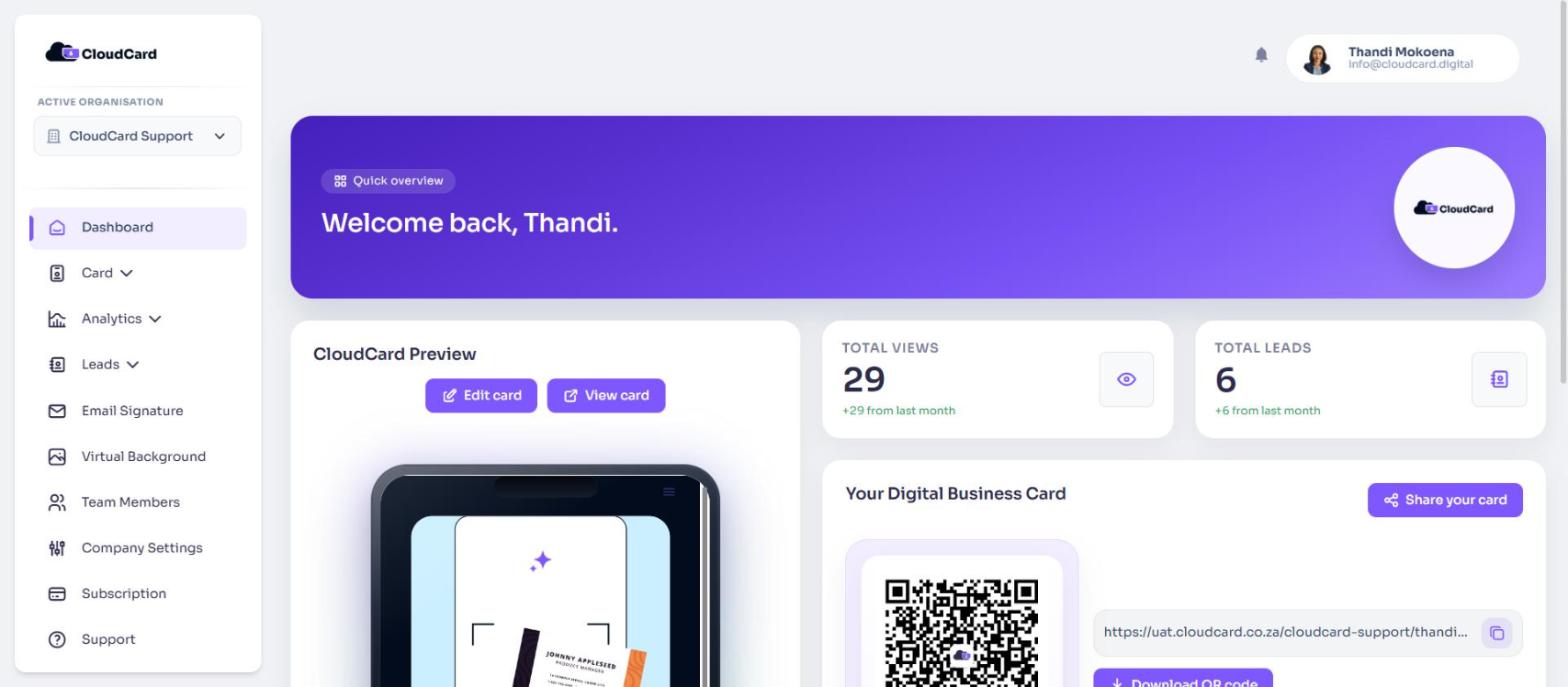
The dashboard shows a live preview of your card under CloudCard Preview. You can scroll inside it just like on a phone.
Open your actual card
Use either of these. Your card opens in a new browser tab.
- On the dashboard, under CloudCard Preview, click View card.
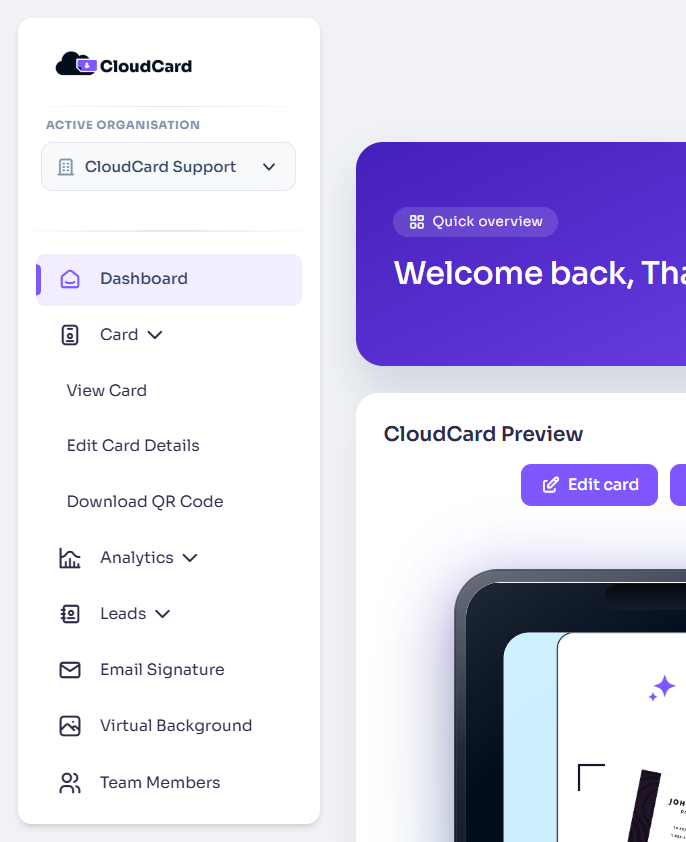
- In the sidebar, click Card, then View Card.
The address in your browser is your card’s link. It looks like https://app.cloudcard.co.za/your-company/your-name. You can copy it from the dashboard too: click the link or the copy icon under Your Digital Business Card.
Something looks wrong?
- A detail is wrong or missing: click Edit card on the dashboard, or Card > Edit Card Details in the sidebar. See Edit your card details.
- The logo, colours or layout are wrong: these are set for the whole company by an admin. See Set up your company branding.
- A field won’t change: your admin may have locked it. See Why some fields are locked.
- There’s a “Get Started with CloudCard Free” bar at the bottom: this appears on cards of organisations on the Free plan.
- The card says “Card not available” or “Not found”: see My card says “Card not available” or “Not found”.
To learn what visitors can do on your card, such as saving your contact, see What people see when they open your card.
Was this article helpful?
Thanks for letting us know.
Still stuck?
Send us a message and we'll know which article you were reading. Or email [email protected].