

Choose a card template
Pick the layout your organisation's cards use, and how to change it after setup.
ForAdmins
The card template is the layout every card in your organisation uses. Your colours, logo and images are applied on top of it. Everyone in the organisation shares the same template.
Choose a template during setup
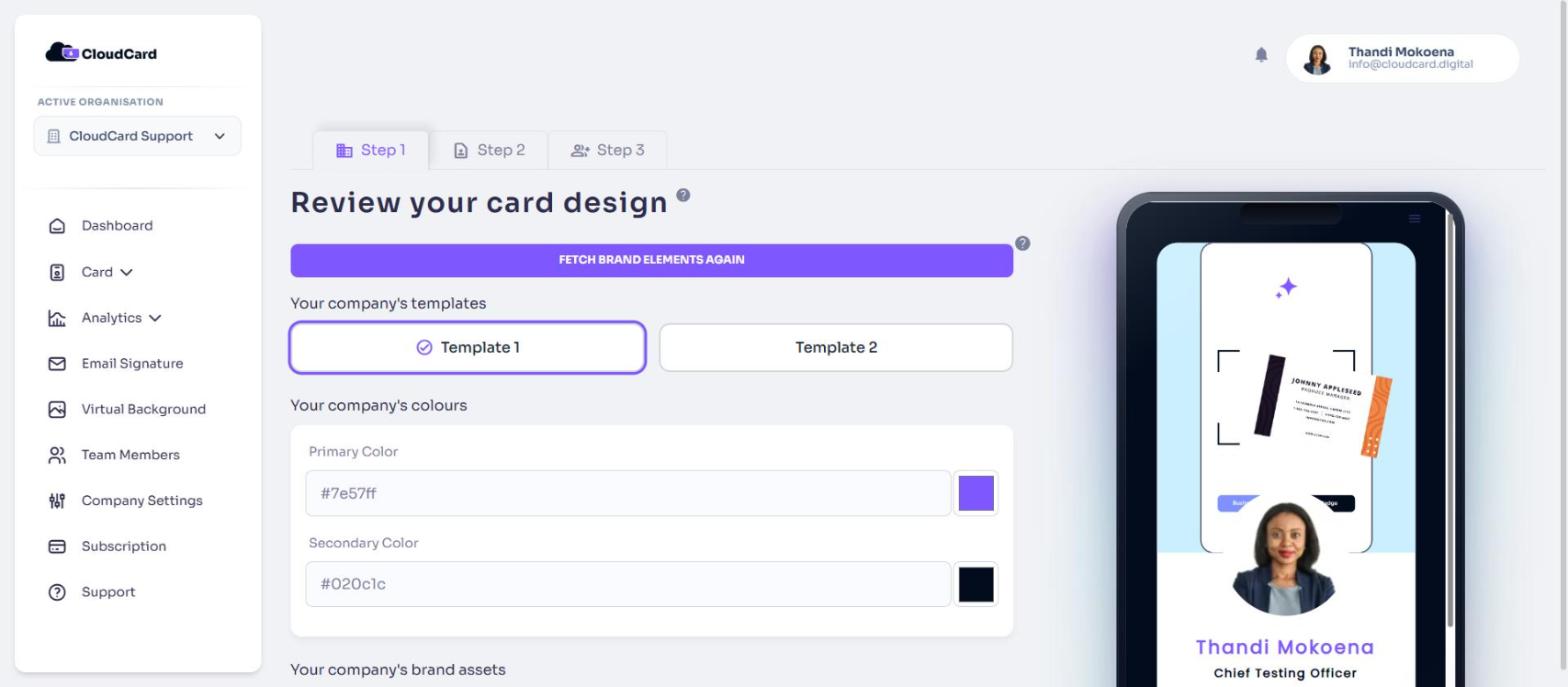
You choose the template in the setup wizard, on the step called Select your preferred template. There are two:
- Template 1: the Modern layout.
- Template 2: the Classic layout. Classic doesn’t show a promotional banner.
Click a template to select it. The preview beside it updates so you can compare them before you carry on.
Change your template later
The template isn’t something you can change in Company Settings. To switch layouts after setup, contact support and tell us which template you’d like.
Related
Was this article helpful?
Thanks for letting us know.
Still stuck?
Send us a message and we'll know which article you were reading. Or email [email protected].